
Jamais vu, mon frere... Get fresh eyes on your website
September 2, 2026
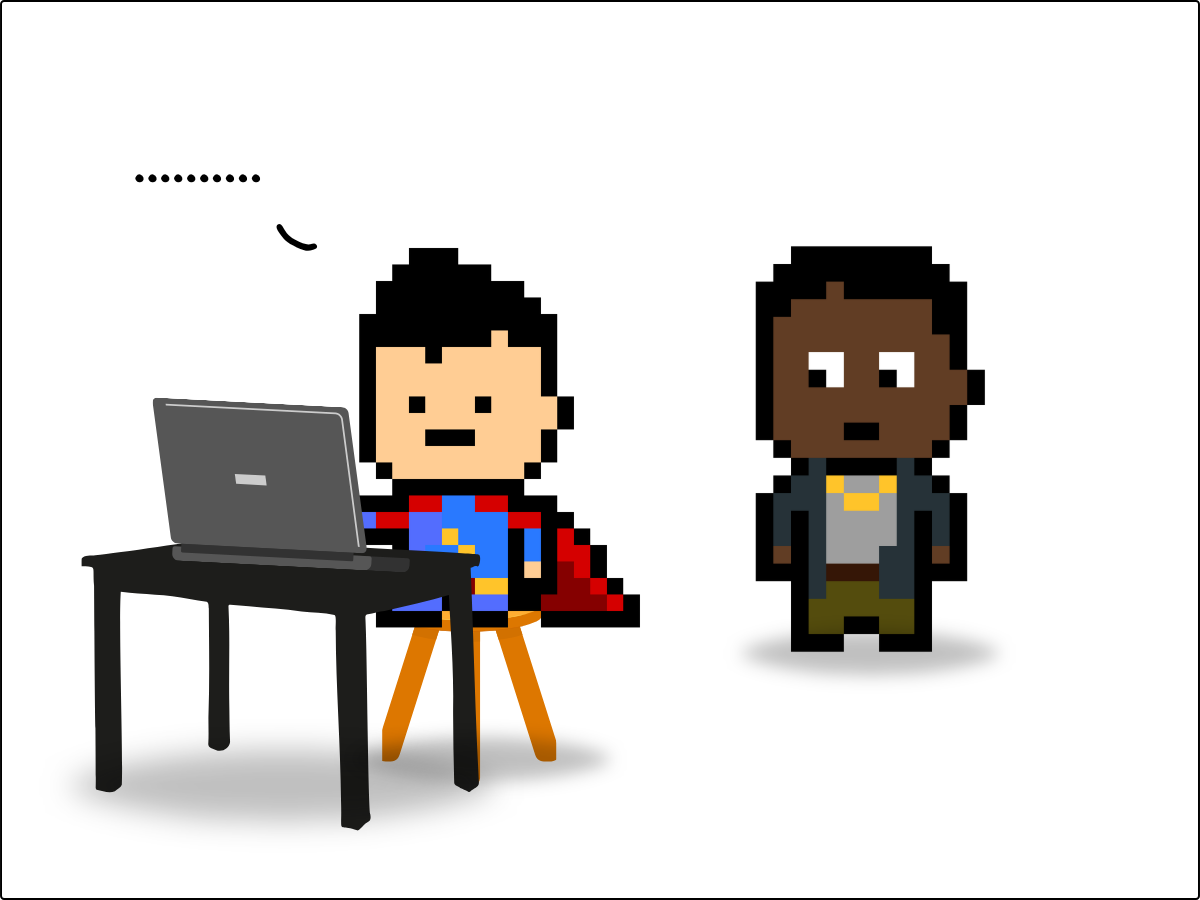
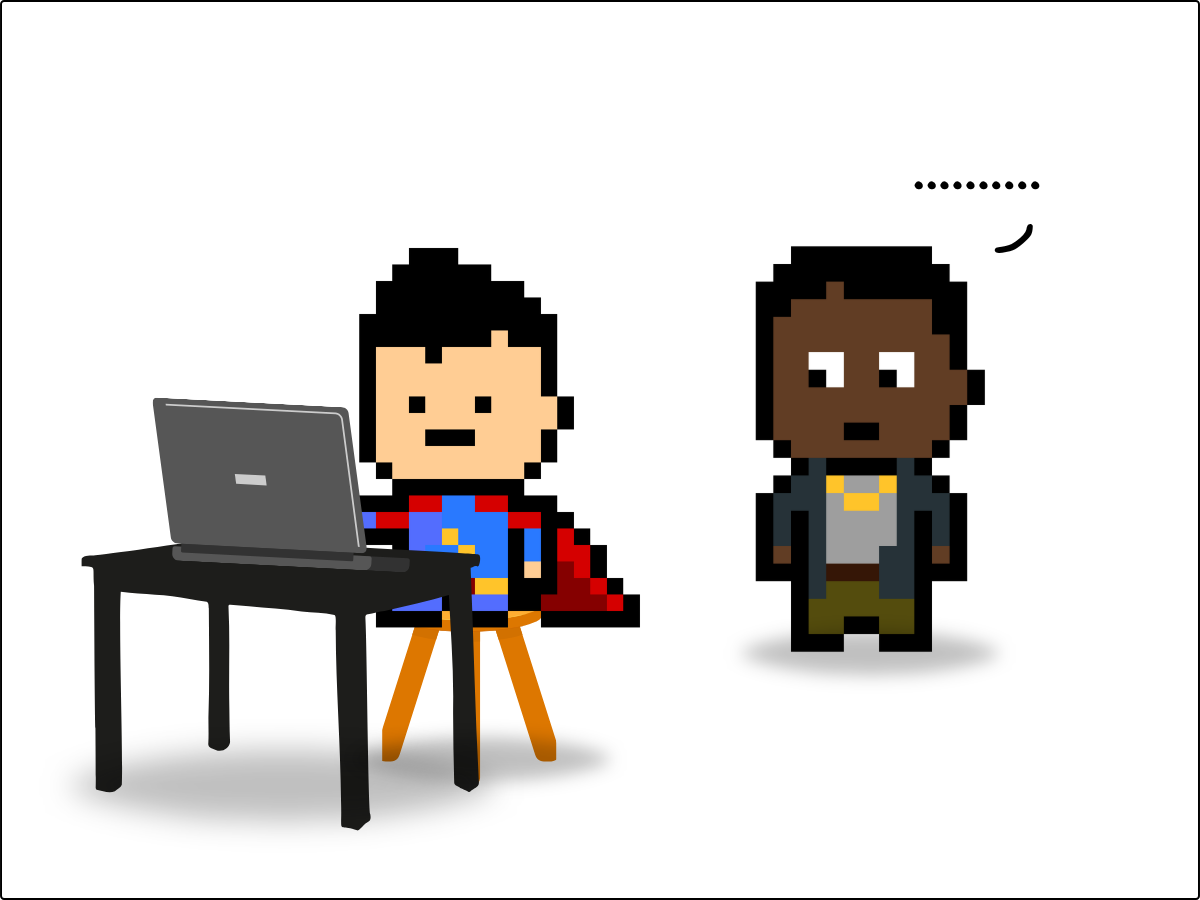
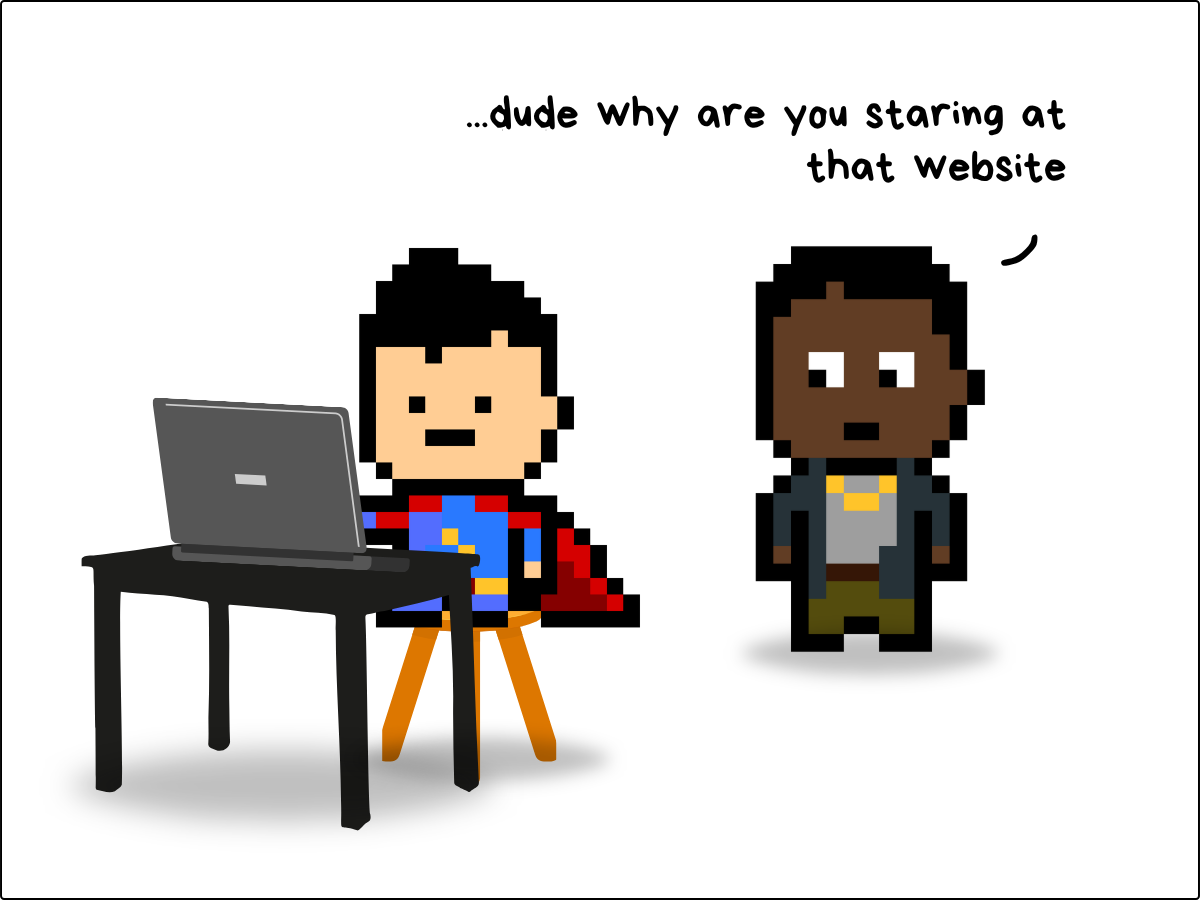
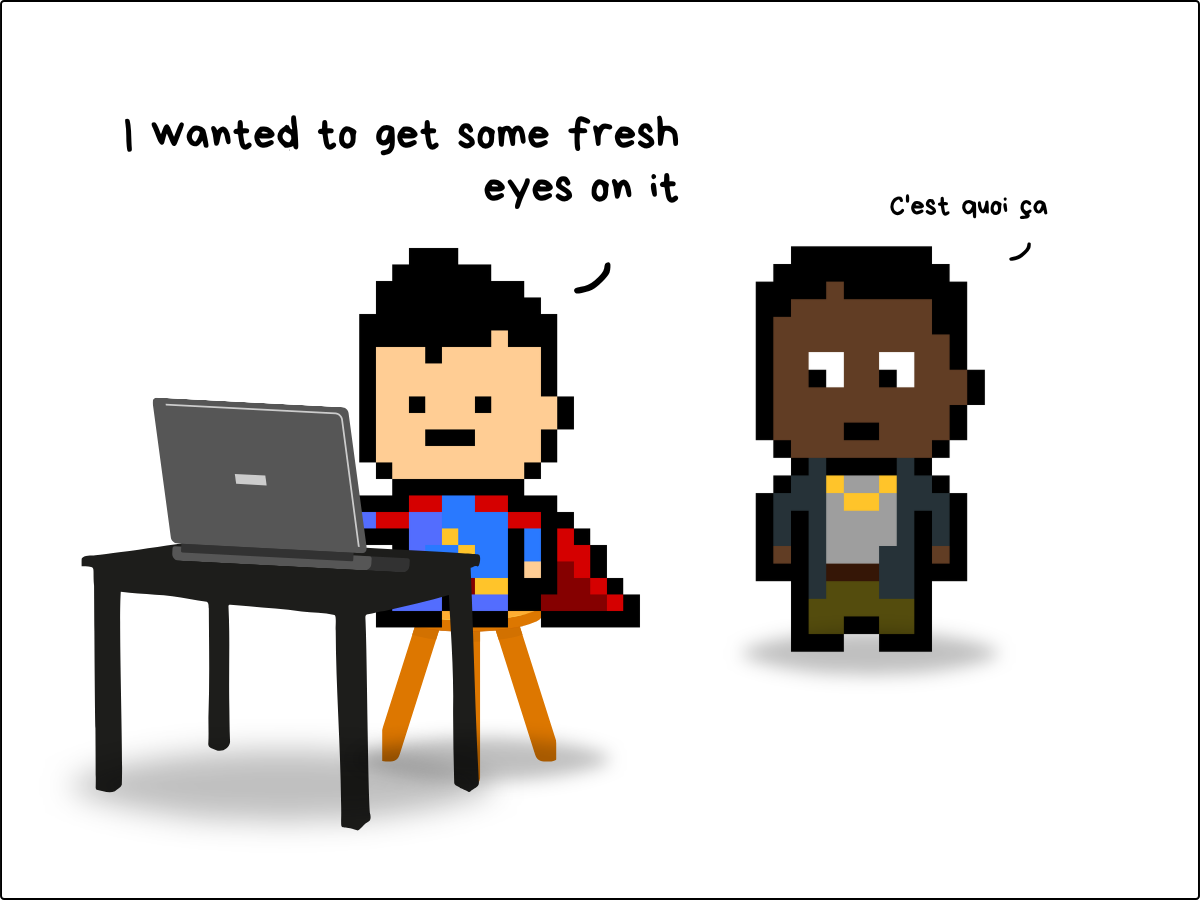
Jamais vu…
I came across a word I had never seen before.
Jamais vu (ja·mais vu)
noun
: a disorder of memory characterized by the illusion that the familiar is being encountered for the first time
Now, it is possible that I have never seen this word because I am not French, but it is also possible that I did come across this word before, but then stared at it so long that it became completely foreign to me (in this case, even more frenchier) and was wiped from my memory.
Because that is jamais vu… the exact opposite of déjà vu.
It’s a weird little psychology quirk. You can try it out right now. Get a pen an paper and write down a word, and then stare at it for a while. Fairly quickly, it will look unfamiliar, and you will be thinking… is that word a real word, definitely not a word, wtf is that awful sting of letters!
Or you can freak yourself out by doing this with your face. Go stand in front of a mirror and meet a new you…
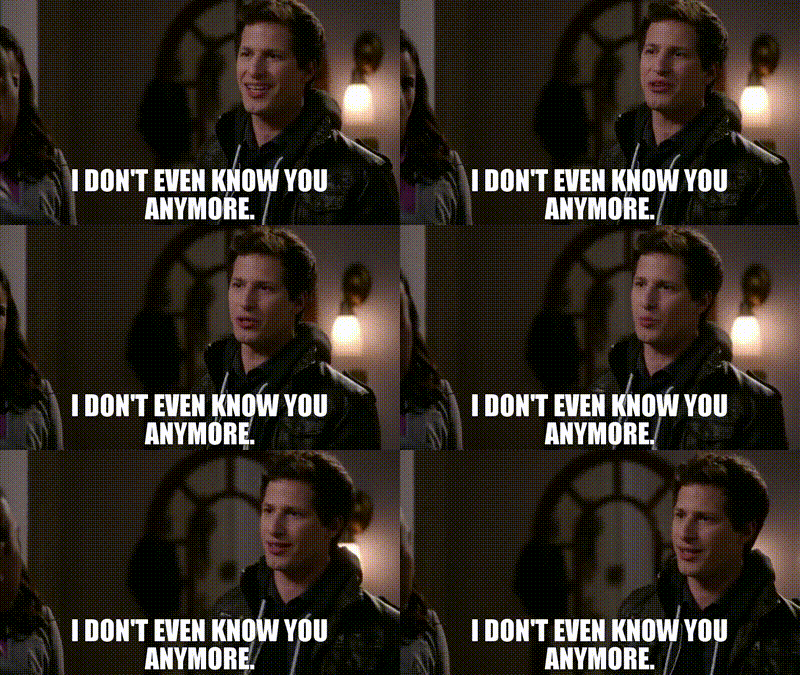
I don’t even know you anymore
If you manage a website, you’ve probably looked at it long enough to hate it.
Every day you are at work, you see it. Each time a colleague asks for you to update some text, it’s right there in your face. After 6 months or a year, you’re kind of just tired of it. What you saw it for in the beginning is old and outdated… and you might be looking at your competitor’s sites thinking they are way better than yours.
But you are not your customers, who just saw it for the first time.
And your competitors are also hating on their site and thinking they should copy yours.
When we look at a website, everyone is looking at something different because the lens through which we process those wonderous pixels are different.
As CROs, we are supposed to be optimizing what exists. Not redesigning all the time. We want to know what is working so we hold fast on it, and know what is not working so we can change it.
But our quirky little brains are saying “gaawd this site sucks”, when, in fact, it is just fine.

Fresh Eyes
If the goal is to see our site anew — with fresh eyes — we need to do something different. But unlike our hero in the comic staring at his screen, we can’t just stare at until we jamais vu our brain into last year.
So what to do…?
We reverse the copy-planning process.
And how are we gonna do that?
Well, we get to use AI like the frontier AI labs use AI — by scraping and stealing content from the web!!
But we are not morally bankrupt grifters trying to sell the content back to ourselves… so, technically, we are not using AI in the same way they are.
Regardless, scraping our webpage’s raw text is a good exercise to understand what we built.
So, for the site I am working on, I will choose the main product we sell:
Partial page text:
The Original Toe Spacer - Clear
399 reviews
$65.00
60-Day Money Back Guarantee:
We have a 60-day return policy so you can return them for any reason. In addition, we have a 90-day materials warranty policy for toe spacers that split during use.
We will ship you an exchange or replacement product to you free of charge.
If you are between sizes, you may purchase both the smaller and larger size and then return the pair that does not fit.
Please note that the initial shipping costs are non-refundable. Any cost associated with shipping a product back to Correct Toes will be the responsibility of the customer.
Read full policy here.
Invented by Dr. Ray McClanahan, DPM, Correct Toes® are a device made from flexible, silicone designed to encourage your toes back into their natural alignment.
Relieve foot pain
Align bones and joints
Strengthen foot muscles
Restore circulation
Whether you are suffering from bunions, neuromas, plantar fasciosis, crooked toes, or metatarsalgia, Correct Toes will help alleviate symptoms and restore foot health naturally.
Package Includes paid (2) toe spacers….
yadda yadda yadda — I am not going to bore you with the rest of the 1138 words.
You can use an LLM or Firecrawl or a number of other text scrapers to extract the raw text off of the webpage you want to work on.
This is your page stripped down.
There ain’t nothing cover up those typos.
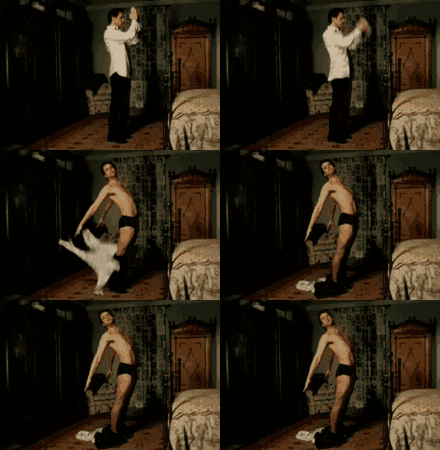
*Note*
To get it to a more useable format, you will want to delete things like the header/footer content, menus, and things like the text from the variant buttons. These items are part of the raw text, but we should isolate the readable text that the page focuses on.
Once you have done that, the structure is there, the flow is there, what a google crawler or LLM is concerned with is there…
Now, most importantly, what you have is the only information your customer has to make an informed decision while they are on that page sans the design…
The design is important, of course, but design, by design, is there to attract attention. To guide your eyes. The copy is what sells the product. The copy is the sales rep of your products.
Read through all the text, and check to see that it:
- is coherent
- is consistent
- is clear
- answers common questions
- explains the product or service thoroughly
- manages expectations
…and has a clear call-to-action
It does not sound like a fun process, but it will only take about 30-45 minutes to get the fresh eyes that you need, which will hopefully bring out more ideas for optimizations.
And to be honest, 30 mins is about as long as it would take you to finagle some useless “insights” from an AI.
Might as well get it done right the first time.
Snapshot CRO
I covered my app last month, and I want to continue to write about how I am using it in my daily work.
So first, let’s see what I used it for this week, and then I have a feature update that will not blow your mind, but rather make you think, hmm that is a logical update for this app…
Static or Interactive - Size Guides
I worked on a site in 2018. And way back then (in the before times) we had to use and an app to get a size guide on the product page. I think it added a modal pop up.
Ohhh I miss those days. Life was simpler.
Anyway, last week I played around with another size chart. We had set up the chart as a page, and used the “popup link” block in the theme editor to allow for a a modal to pop up when you clicked the button.
You can see that version on the left. That was the control group
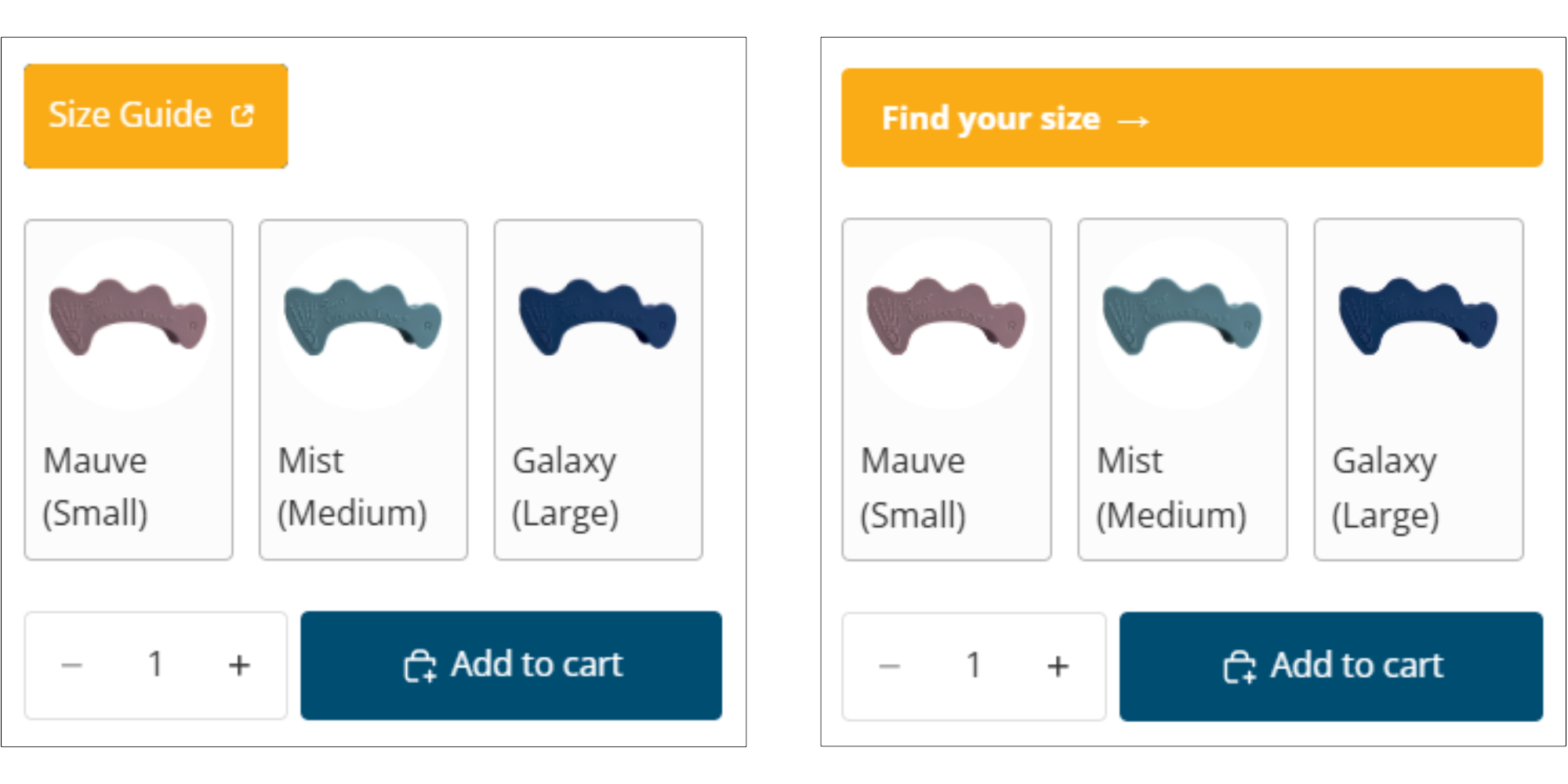
And when you clicked it, you’d see this:
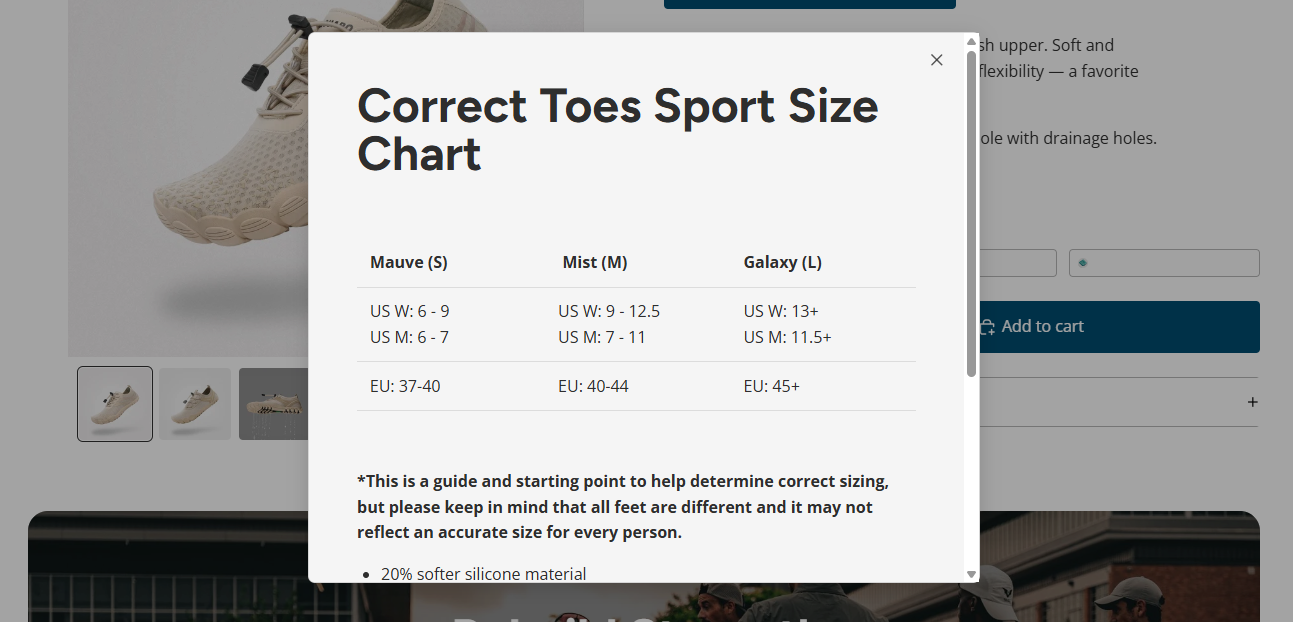
Then over on the right is the variant. It’s much more fun.
When you click this one, it expands so you can add in your input — type of shoe, foot issue, size type, and size.
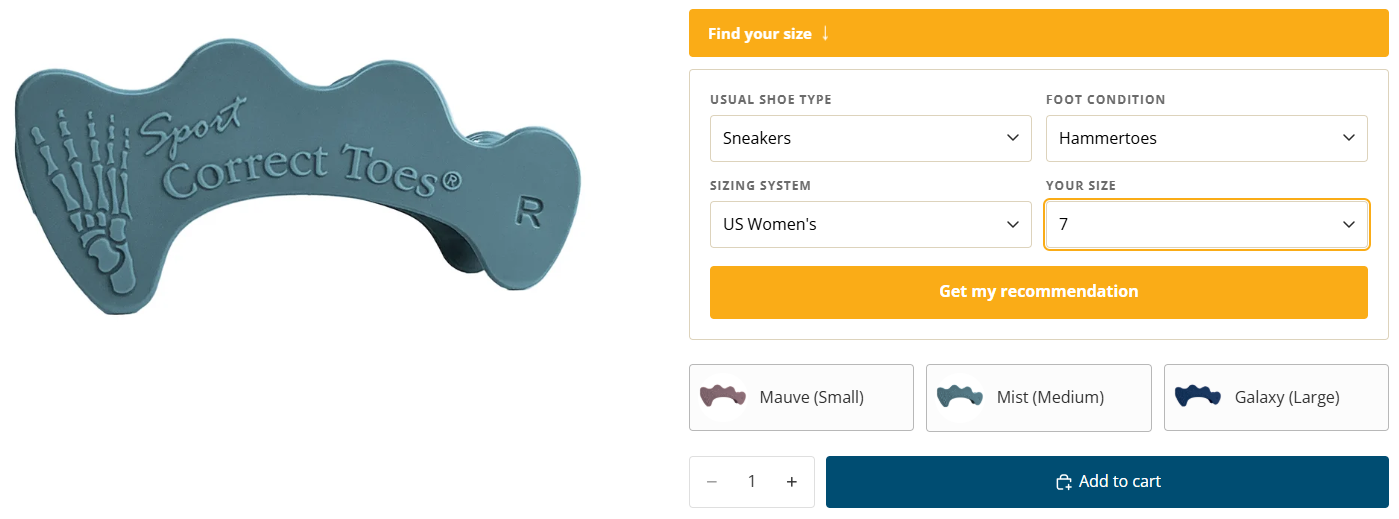
Once you click the “get my recommendation” button, it does a cool twirly thing to show that it is calculating the size based on your personal inputs. It’s a nice touch, try it out on the site.
This is a psychological play.
The size recommendation correlates to the shoe size. I added a delay and animation to make it seem like it was computing something… but it does no computing… nothing of the sort.
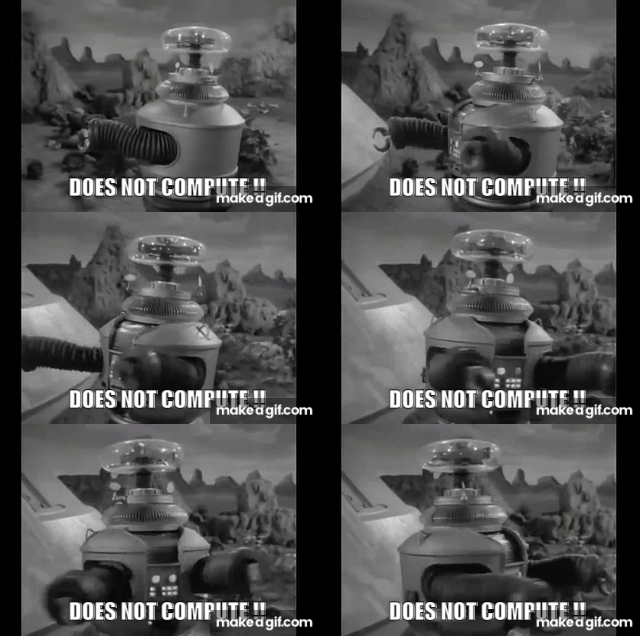
So that’s it. We got a static version and an interactive version. I hoped to god that the variant won this test because a) it looks cool, and b) I spent a lot of time making it.
Let’s see what we got…
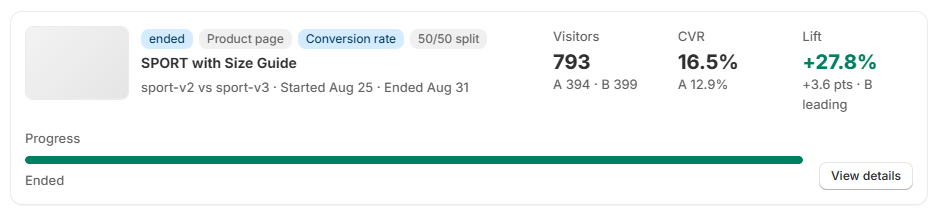
Ohh nice, that one kicked some ass. 27.8% lift. That is a lot of lift… (You can see the revenue increase in the video at the end of the post.)
People like interactive. We have become accustomed to mobile apps that are highly interactive. But most websites are still basic and static, and even though we dont need to turn our sites into web apps, a little interactivity goes a long way.
If you want to learn how I built that widget, send me a message.
Anyway, people like giving something in order to get something. That transactional component lends people moving closer to making a decision, and they feel better about their decision to buy and more confident in trusting you to deliver.
Implemented change immediately.
Snapshot CRO Update
Before I wrap this up. I am going to record a video to show you what we updated on the A/B Test Results page. It simplifies it all quite nicely.
If you are reading this in your email, the video will likely be cut off. But you can see it if you go to the web post.
Ok, check it out when you can, and we will do it again soon.
Cheers,
Shep
// there's a video here — watch on substack
Originally sent as an email — view on Substack.
Get the next one by email
New issues go out as they are written. No schedule, no filler.